How does a computer store sound?
www.yzokul.com.tr
- Category AI Resources
- Format PDF
- Size 6.1 MB
- Added 01.11.2026
- Views 1
This book answers how a computer stores sound for complete beginners with no prior knowledge. It follows a clear path: first, a sound wave is measured at specific time intervals to create digital samples that show how the sound changes over time. Next, it explains how sampling rate and bit depth affect recording quality. Then it covers how sound is reproduced for speakers, and finally how sound files can be compressed, noting that not all formats store the same data in the same way.
Read the Book
If the PDF does not appear, open it in a new tab.
A Chapter from the Book
How does a computer store sound? www.yzokul.com.tr
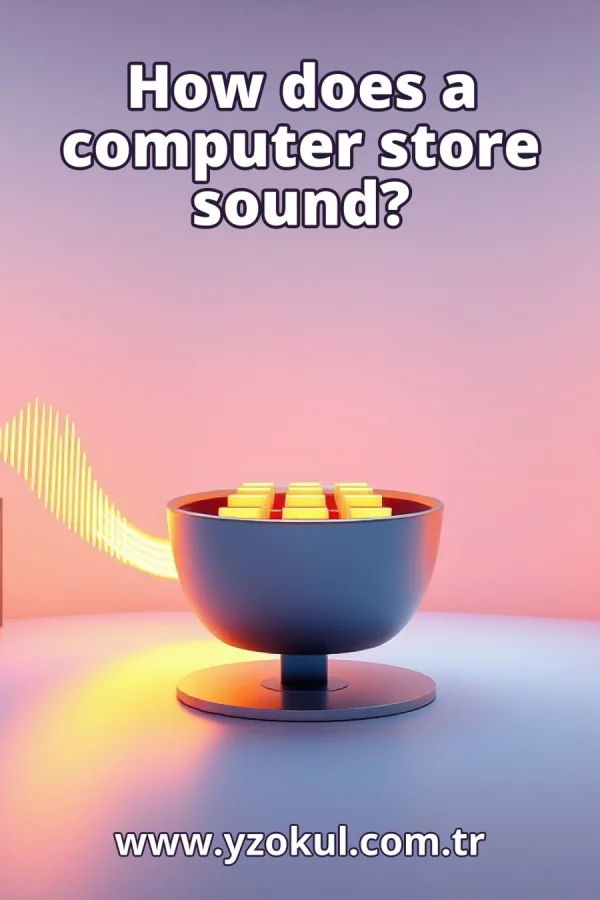
A computer cannot keep a sound as a smooth wave. Instead, it measures the sound wave many times every second and saves each measurement as a number. Those numbers go into a sound file on the computer. When you play the file, the computer turns the numbers back into sound. So storing sound means storing a long list of numbers. 1
Sound is a wave of changing air pressure that your ears can feel. When a drum hits, it pushes air, and that push travels as a wave. A microphone turns these pressure changes into a changing electrical signal. That signal rises and falls just like the sound wave. The computer works with this electrical signal, not with the air itself. 2
A computer cannot keep the whole smooth wave, because that would need endless space. So it measures the signal at fixed moments in time, like taking a photo every tiny fraction of a second. Each measurement is one number, called a sample. The sample records how strong the signal was at that exact moment. Together, the samples describe how the sound changes over time. 3
A recording is just a long list of numbers, one after another in time order. The computer stores this list, not the original wave. Each number tells the height of the signal at one moment. When you look at a sound file, you are really looking at this list of samples. The computer reads the list from start to finish to know what the sound was. 4
The sampling rate is how many samples are taken each second. A higher rate means more measurements every second, so the copy of the wave is closer to the original. A lower rate takes fewer measurements and misses more detail. Common rates are measured in thousands of samples per second. The rate is one of the two settings that decide recording quality. 5
Bit depth is how precisely each sample's height is written down. More bits give finer steps, so the number can be closer to the true height. Fewer bits mean rougher steps and more rounding error. A higher bit depth captures quiet details better and adds less background noise. Bit depth is the second setting that decides recording quality. 6
Sampling rate and bit depth together decide the recording's quality and its file size. More of either means more data to store. For example, doubling the sampling rate roughly doubles the number of samples. Higher bit depth makes each sample take more space. So better quality usually means a bigger file, and you balance the two for your needs. 7
During playback, the computer reads the number list in order and turns it back into a changing electrical signal. A speaker uses that signal to move air and recreate the sound. The signal goes to the speaker, which pushes air back and forth. Your ears feel those pushes as sound. So playback is the reverse of recording: numbers become a signal, and the signal becomes sound. 8
The speaker fills in between the samples as it moves, so you hear a smooth wave, not tiny steps. Our ears cannot notice the small steps when the sampling rate is high enough. The speaker's movement blends the points together naturally. That is why a good recording sounds continuous. The steps exist in the numbers, but you do not hear them. 9
The samples are written into a sound file on the computer's storage. The file also records the sampling rate and bit depth so playback knows how to read it. Without those settings, the computer would not know how fast to play the numbers. The file holds the number list plus this header information. Then the file can be copied, moved, or played later. 10
Sound files are often large, so they can be made smaller by compression. Some compression packs the data more cleverly and keeps everything. Other compression throws away details that are hard to hear. Compression makes files easier to store and share. The choice of compression affects both the file size and how much of the original data remains. 11
Not all sound formats store the same data in the same way. Some formats keep every sample exactly as recorded. Others save space by removing details we barely hear. For example, one format may store the full number list, while another stores a simplified version. So two files of the same sound can differ in size and in what data they hold. 12
The highest rate and depth are not always needed. Higher settings mean bigger files, which take more space and are slower to share. For many uses, a moderate setting is enough and sounds fine. For example, a simple voice recording does not need the same settings as a music master. Choose settings that fit your purpose, not just the biggest numbers. 13
Compression does not always ruin the sound. Some compression keeps all the data and simply stores it more efficiently, so nothing is lost. Lossy compression does throw some data away, but if done carefully it can still sound good to most listeners. The key is how much is removed and how well the method hides it. So compression is a trade-off, not automatic damage. 14
The file does not contain the real sound wave. It only holds measurements, and the wave is rebuilt during playback. The smooth wave you hear is created fresh each time you press play. The numbers are a recipe, not the sound itself. This is why the same file can sound different on different speakers. The file stores data, and playback turns it into sound.
This section is a preview taken from the book (about 949 words). To continue, read the book or download the PDF.
Book Details
- Book
- How does a computer store sound?
- Author
- www.yzokul.com.tr
- Category
- AI Resources
- Language
- English
- Format
- PDF · 6.1 MB
- Pages
- 18
- Words
- about 1,015
- Published
- kaynak.yzokul.com.tr · 01.11.2026
- Access
- Free to read and download; for personal use only, all rights belong to the author.
Frequently Asked Questions
Is the PDF of How does a computer store sound? free?
Yes. How does a computer store sound? can be read and downloaded for free on this site; no sign-up or payment is required.
How many pages is How does a computer store sound??
How does a computer store sound? has 18 pages and about 1,015 words.
Which devices can I read How does a computer store sound? on?
It is a PDF; you can read it in your browser on a phone, tablet or computer, or download it and open it offline.
Who is the author of How does a computer store sound??
How does a computer store sound? was written by www.yzokul.com.tr; it is listed in the AI Resources category.