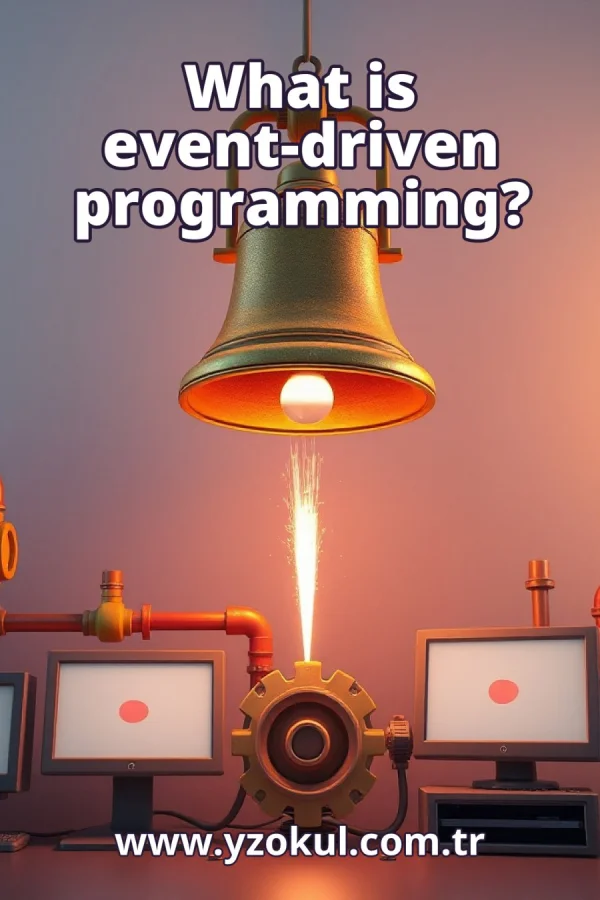
What is event-driven programming?
www.yzokul.com.tr
- Category AI Resources
- Format PDF
- Size 7.9 MB
- Added 01.11.2026
- Views 1
This book answers the question of what event-driven programming is, explaining it from zero for complete beginners. It follows the path of describing how programs run operations in response to events, such as a button click or an arriving message, instead of always following one straight sequence. Using the example of clicking Start to call a game function, it shows how program flow waits for events. It notes that interactive applications often use this approach and that event order and simultaneous situations need careful management.
Read the Book
If the PDF does not appear, open it in a new tab.
A Chapter from the Book
What is event-driven programming? www.yzokul.com.tr
What is event-driven programming? It is a way of writing programs where the program runs its operations in response to events, like a button being pressed or a message arriving. Instead of always following one fixed sequence, the program reacts when something happens. This book explains the idea step by step, from zero, so you can understand it even with no prior knowledge. By the end, you will know what events are, how they trigger operations, and why order matters. 1
Picture a program as a set of operations. An operation is a small action the program can perform, such as adding two numbers, showing text on the screen, or starting a game. These operations are the things that will later run when something happens. In event-driven programming, you write these operations and then connect them to events. The program does not run them all at once; it waits for the right moment. 2
An event is something that happens, such as a button being pressed or a message arriving. Events are the triggers the program listens for. When an event occurs, the program can respond by running an operation. Think of an event as a signal: it tells the program that something has happened. The program does not need to know when the event will occur; it just waits and reacts when it does. 3
A straight-line program always follows one straight sequence of steps. It runs from start to finish in a fixed order, one operation after another. For example, it might read a number, double it, and print the result, always in that order. This is simple and predictable, but it cannot react to anything that happens while it runs. Event-driven programming offers a different way. 4
An event-driven program does not always follow one straight sequence. Instead, it can wait and let events decide when operations run. The program sets up operations for different events, then sits ready. When an event occurs, the matching operation runs. After that, the program goes back to waiting. This lets the program respond to many different things over time, in whatever order they happen. 5
Consider a concrete example: a game with a Start button. The user clicks the Start button. That click is an event. When the click happens, the function that starts the game is called. The function is the operation that responds to the event. The program did not start the game on its own; it waited for the click, and then it acted. 6
The click is the event, and the function that starts the game is the operation it triggers. You connect them by telling the program: when this button is clicked, call this function. This link is the heart of event-driven programming. The event does not contain the game logic; it simply signals that the user wants to start. The function does the actual work. 7
Events act as triggers. Each event can call the operation that is meant to respond to it. For a button click, the operation might start a game. For a key press, it might move a character. For a timer, it might update a clock. You decide which operation goes with which event. The program then runs the right operation whenever that event occurs. 8
A message arriving is another kind of event. For example, a chat program might receive a new message from another user. When that message arrives, the program can respond by showing it on the screen. The program does not need to check constantly; it waits for the message event. Just like a button click, the arriving message triggers an operation. 9
Interfaces and interactive applications often use this approach. An interface is the part of a program you see and use, like buttons, menus, and windows. Interactive applications need to react to what the user does, not just run once in a line. They wait for clicks, typing, and other actions. Event-driven programming makes this possible by connecting events to operations. 10
Picture the program sitting ready and waiting for events. It does not rush through a fixed sequence. Instead, it stays idle until something happens, like a click or a message. When an event occurs, the program runs the matching operation, then returns to waiting. This waiting state is normal and important. It lets the program respond whenever the user or another system does something. 11
Events can come in different orders. For example, a user might click Start before choosing a level, or after. The program must manage the order carefully so each response happens at the right time. If the program assumes a fixed order, it may fail when events arrive differently. Good event-driven programs handle events in whatever order they come, as long as the logic allows it. 12
Sometimes several events may occur at the same time, or very close together. For example, a user might click two buttons quickly, or a message might arrive while a click is being handled. These simultaneous situations need careful management. The program must decide which event to handle first and ensure that handling one does not break another. This is a key challenge in event-driven programming. 13
A common mistake is assuming the program always follows one straight sequence. In event-driven programs, events decide when operations run. The program does not march from start to finish in a fixed line. Instead, it waits and reacts. If you forget this, you may write code that expects a certain order and then breaks when events arrive differently. Always think in terms of events and responses.
This section is a preview taken from the book (about 936 words). To continue, read the book or download the PDF.
Book Details
- Book
- What is event-driven programming?
- Author
- www.yzokul.com.tr
- Category
- AI Resources
- Language
- English
- Format
- PDF · 7.9 MB
- Pages
- 18
- Words
- about 1,061
- Published
- kaynak.yzokul.com.tr · 01.11.2026
- Access
- Free to read and download; for personal use only, all rights belong to the author.
Frequently Asked Questions
Is the PDF of What is event-driven programming? free?
Yes. What is event-driven programming? can be read and downloaded for free on this site; no sign-up or payment is required.
How many pages is What is event-driven programming??
What is event-driven programming? has 18 pages and about 1,061 words.
Which devices can I read What is event-driven programming? on?
It is a PDF; you can read it in your browser on a phone, tablet or computer, or download it and open it offline.
Who is the author of What is event-driven programming??
What is event-driven programming? was written by www.yzokul.com.tr; it is listed in the AI Resources category.