
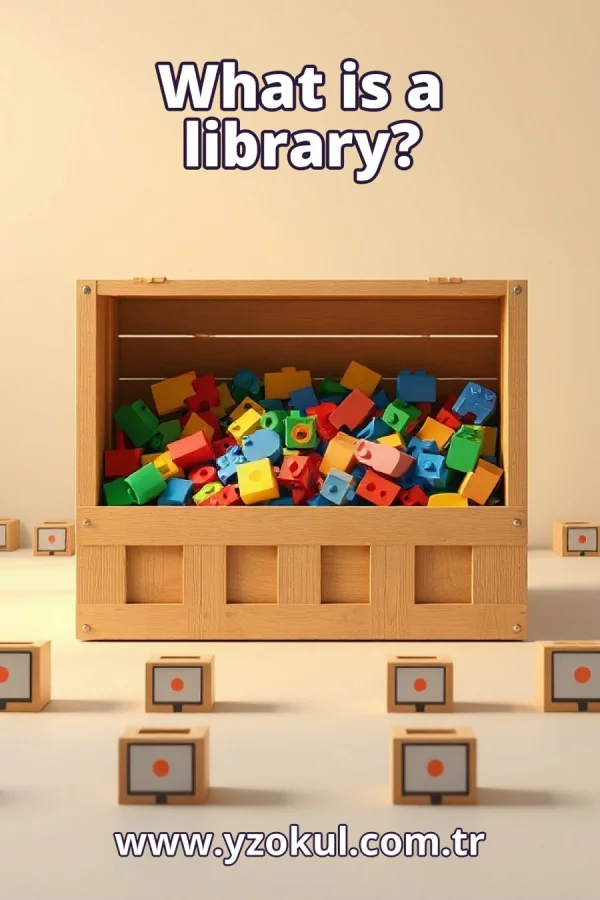
What is a library?
www.yzokul.com.tr
- Category AI Resources
- Format PDF
- Size 7.3 MB
- Added 01.11.2026
- Views 1
This beginner-friendly book answers the question of what a library is in programming. It explains that a library is a collection of reusable code made to perform certain tasks, such as opening images or drawing graphics, so programmers do not have to write every detail from scratch. Following a clear path from zero knowledge, it also covers programming basics, how to learn a library and its limits, and why using ready-made code still means testing your program for correctness.
Read the Book
If the PDF does not appear, open it in a new tab.
A Chapter from the Book
What is a library? www.yzokul.com.tr
You have likely heard the word library and wondered what it means in programming. The short answer is simple: a library is a collection of reusable code prepared to do certain tasks. Instead of writing every instruction yourself, you can use code someone else already wrote and tested. This book explains that answer step by step, from the very beginning. 1
A program is a list of instructions that a computer follows, one after another. Code is the written text that tells the computer what to do, such as add two numbers or show a word on the screen. The computer does exactly what the code says, in the order given. Writing code means writing these instructions in a language the computer can run. 2
Imagine writing every instruction yourself, line by line, for even a simple program. You would decide each detail: where data comes from, how it is stored, and what appears on the screen. This works, and the program can be correct. But it takes a lot of time and effort, and much of that work has been done before by other people. 3
Some code is already written and can be reused, so you do not start from nothing each time. A library is exactly this: a collection of reusable code, kept together and made ready for other programmers to use. You add it to your program and call it when needed. This is the core idea behind every library. 4
A library is prepared to do certain tasks, and each library usually focuses on one specific kind of job. One library might handle images, another might handle text, and another might handle numbers. This focus makes a library easier to learn and use. You pick the library that matches the job you need done. 5
Consider a library that opens images. Without it, you would write all the details of reading an image file yourself, which is long and complex. With the library, you call its ready-made code and the image opens. The programmer does not write those details from scratch. This is one concrete example of reuse in action. 6
Consider a second example: a library that draws graphics. It contains ready-made code for drawing lines, shapes, and colors on the screen. Your program calls it instead of writing every drawing detail itself. Again, the ready-made code saves the programmer from writing all the low-level details. Graphics become much easier to produce. 7
Libraries exist because reuse saves time and reduces repeated work. The programmer does not have to write all the details from scratch, because someone already wrote and shared that code. You build on work that already exists instead of repeating it. This lets you focus on the parts of your program that are truly unique. 8
Using a library means calling its ready-made code from your own program. Your program still decides when the library is used and what information it receives. For example, your program might call the image library only when the user asks to open a photo. The library does the task, but your code stays in control of the flow. 9
A library must be studied before it is useful. You need to find out what it offers, what each part does, and how to call it correctly. Read its documentation, which is the written guide that explains how to use it. Skipping this study usually leads to errors, because guessing how a library works rarely succeeds. 10
Every library has limits. It does certain tasks, not everything, so you must know what it cannot do. For example, an imageopening library may not also draw graphics or handle sound. Knowing the limits helps you choose the right library and avoid expecting results it was never made to give. Check the documentation for what it covers. 11
A common mistake is using a library blindly, without understanding it. The code may run without errors, yet produce wrong results because you called it incorrectly or gave it unsuitable input. For example, calling an image library with a file it does not support may fail silently. Understanding the library before use prevents many of these problems. 12
Another common mistake is trusting ready-made code without testing it for your case. A library may work well in general but behave differently with your data. Using a library does not remove your responsibility to test the correctness of the program. Always check that the results match what you expect, not just that the code runs. 13
Testing your program means checking that it gives correct results when it uses the library. Try simple cases first, then harder ones, and compare the output with what you expect. For example, open a known image and confirm it appears correctly. Testing stays your job, even when the code you call was written by someone else. 14
Now combine the ideas into one picture. A library is reusable code for certain tasks, so you do not write everything from scratch. You learn how to use it, you know its limits, and you test your program to confirm correctness. These pieces work together: reuse saves time, understanding prevents mistakes, and testing proves the result is right. 15
What to remember: a library is a collection of reusable code prepared to do certain tasks, and it saves you from writing all the details from scratch. Learn how to use it, know its limits, and always test your program for correctness. Using readymade code helps you build faster, but the responsibility for a correct program remains yours.
This section is a preview taken from the book (about 933 words). To continue, read the book or download the PDF.
Book Details
- Book
- What is a library?
- Author
- www.yzokul.com.tr
- Category
- AI Resources
- Language
- English
- Format
- PDF · 7.3 MB
- Pages
- 18
- Words
- about 934
- Published
- kaynak.yzokul.com.tr · 01.11.2026
- Access
- Free to read and download; for personal use only, all rights belong to the author.
Frequently Asked Questions
Is the PDF of What is a library? free?
Yes. What is a library? can be read and downloaded for free on this site; no sign-up or payment is required.
How many pages is What is a library??
What is a library? has 18 pages and about 934 words.
Which devices can I read What is a library? on?
It is a PDF; you can read it in your browser on a phone, tablet or computer, or download it and open it offline.
Who is the author of What is a library??
What is a library? was written by www.yzokul.com.tr; it is listed in the AI Resources category.
Similar Books
 What is artificial intelligence?
www.yzokul.com.tr
What is artificial intelligence?
www.yzokul.com.tr
 How does an app idea turn into a working program?
www.yzokul.com.tr
How does an app idea turn into a working program?
www.yzokul.com.tr
 What is simulation?
www.yzokul.com.tr
What is simulation?
www.yzokul.com.tr
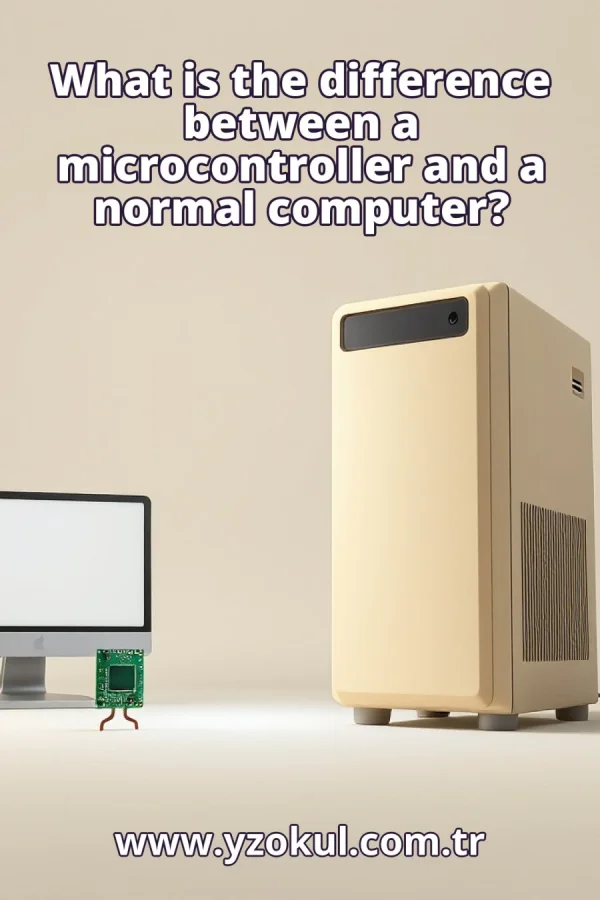 What is the difference between a microcontroller and a normal computer?
www.yzokul.com.tr
What is the difference between a microcontroller and a normal computer?
www.yzokul.com.tr
 What is a microcontroller?
www.yzokul.com.tr
What is a microcontroller?
www.yzokul.com.tr
 How do you make a simple calculator with code?
www.yzokul.com.tr
How do you make a simple calculator with code?
www.yzokul.com.tr